
Quick answer
A one-page website is the right scope for a single-service business with a small service area, an owner-operator, and a clear offer. A multi-page site is the right scope for a business with three or more services, two or more locations, or a category where customers search for the service by name. The mistake is not choosing one or the other; it is forcing a single page to do work a multi-page site was built for, or paying for five pages when one would have done the job. Most Canadian small businesses we audit fall in the second camp, with more pages than their offer actually needs.
For a broader look at how the choice of structure fits into the overall cost picture, the Canadian small-business website cost guide lays the options out side by side. If you are also weighing whether to build it yourself or hand the work to someone, the builder-versus-designer piece covers the third decision worth making at the same time.
What each layout is actually good for
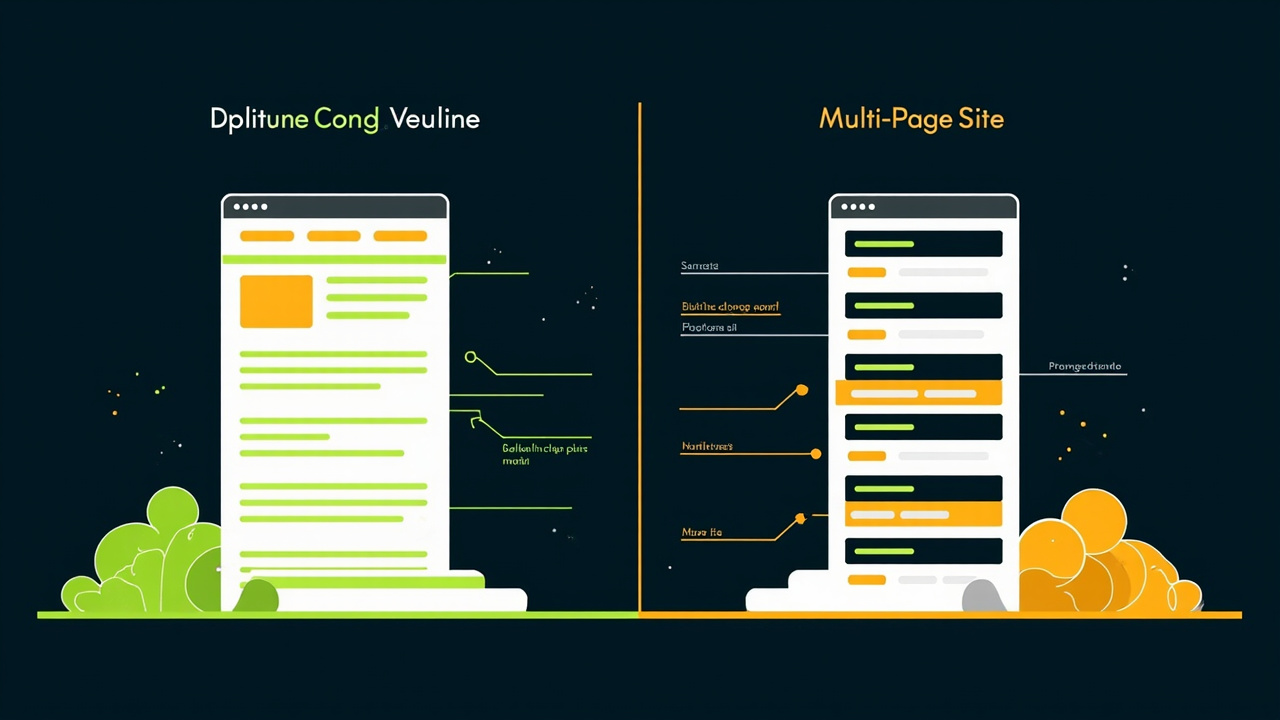
A one-page website is a single, scrolling document that walks a visitor from the headline to the call-to-action in one continuous read. It is best for businesses with one offer, one audience, and a tight geographic area: a single plumber in one city, a home-based bookkeeper with a clear niche, a small bakery with one storefront. The advantage of a one-pager is focus: there is nowhere for a visitor to get lost, the messaging stays consistent, and the site is faster and cheaper to build. The disadvantage is that everything competes for the same attention.
A multi-page website splits the same information across separate pages: a homepage, an about page, a services page, a contact page, and, depending on scope, a page per service or location. It is best for businesses that have earned the complexity. A renovation company with residential and commercial work wants different pages for each, because the buyers and the search queries are different. A clinic with two locations wants two location pages so each one ranks in its own city. The advantage of a multi-page site is depth: each page can target a specific search and a specific audience. The disadvantage is cost, both in build and in upkeep.
The two layouts are not rivals. They are different scopes for different businesses. A one-pager is the right answer when the offer is the same for everyone. A multi-page site is the right answer when the offer changes depending on who is asking.
SEO and local-search implications
Single-page sites have one title tag, one meta description, one H1, and one URL. That means one shot at telling Google what the page is about. For a business with a single, well-defined offer in a single market, that is plenty. A one-pager for "Ottawa bookkeeping for sole proprietors" can rank well for that exact query and a handful of closely related ones.
The trouble starts when the offer is broader. A salon that does cuts, colour, and extensions in Toronto wants to rank for three different searches from three different customers. A one-pager can target all three, but only by stuffing the same page with three sets of language, which usually means it ranks for none of them. Three service pages, each with its own title tag and URL, is the structure that actually wins those searches. The same logic applies to location pages: a cleaning company that serves three cities needs three pages, not one, with city-specific copy. The difference in search rankings is the difference between page one and page three.
The flip side is real. A multi-page site with thin, duplicate content will underperform a tight one-pager every time. If the business is not ready to write or commission three to five real pages, the one-pager is the better answer.
A simple decision rule for most small businesses
Here is the rule we use when we audit a draft. It is not the only rule, but it covers most of the small businesses we see.
Pick a one-page site if:
- You have one service or a tightly related group that all serves the same customer.
- You serve one city or one small service area.
- You are the only point of contact. There is no team page that needs to live somewhere.
- You have one primary call-to-action and the rest of the page supports it.
Pick a multi-page site if:
- You have three or more services that target different customers or different search queries.
- You serve more than one city or a service area that crosses regional lines.
- You have more than one location, more than one team member worth featuring, or both.
- You have a category of content (case studies, how-it-works, FAQs) that deserves its own URL.
Pick a small multi-page site (three to five pages) if you are between the two. This is the most common answer in our drafts. A homepage, an about page, a services page, and a contact page, plus, optionally, one or two service-specific pages, is enough structure for most local service businesses without the cost of a full ten-page site.
If you are still not sure which way to lean, the practical next step is to send your business name and a few details and have a draft built in both shapes. The free website preview is one real page, not a mock-up, and seeing the same offer rendered both ways tends to make the choice obvious. Request your free website preview and we will prepare one personalised direction at no charge.
Frequently asked questions
Does a one-page website hurt SEO? Not by itself. A tight one-pager with a clear headline, real content, and a single focus can rank well for one or two main queries. It hurts SEO only when the business needs to rank for five or ten different searches and tries to do it all on one URL.
How many pages does a small business really need? Most of the local service businesses we audit do well with three to five pages: home, about, services, contact, and an optional service-specific or location page. The number goes up only when the offer, the geography, or the audience genuinely justifies the extra pages.
Can I start with one page and add more later? Yes, and it is often the right order. A one-pager is a useful way to test an offer and confirm the message lands. Once the page is earning calls or bookings, the case for adding a services page or a location page usually makes itself.
Related guides
- What do you actually own when you pay for a website? — ownership of domain, code, design files, content, and data under each build model
- Questions to ask a web designer before you sign a contract — the contract questions that protect what you own
- Managed website vs one-time build — the three-year cost and ownership trade-offs of each designer path
Sources and references
- Seaway Sites editorial analysis of one-page and multi-page structures used in public local-service websites and demonstration drafts.
- General industry reference: public small-business website structure patterns; no private-client sample or prevalence claim is used.
- General industry reference: Google Search Central documentation on site structure, internal linking, and the role of service-area pages in local search.
- General industry reference: typical small-business technology surveys from the Canadian Federation of Independent Business (CFIB), used here for the general shape of the local service sector.
- General industry reference: Web Almanac site-structure chapter, used as a cross-check on the relative cost and complexity of single-page versus multi-page patterns in published Canadian small-business sites.